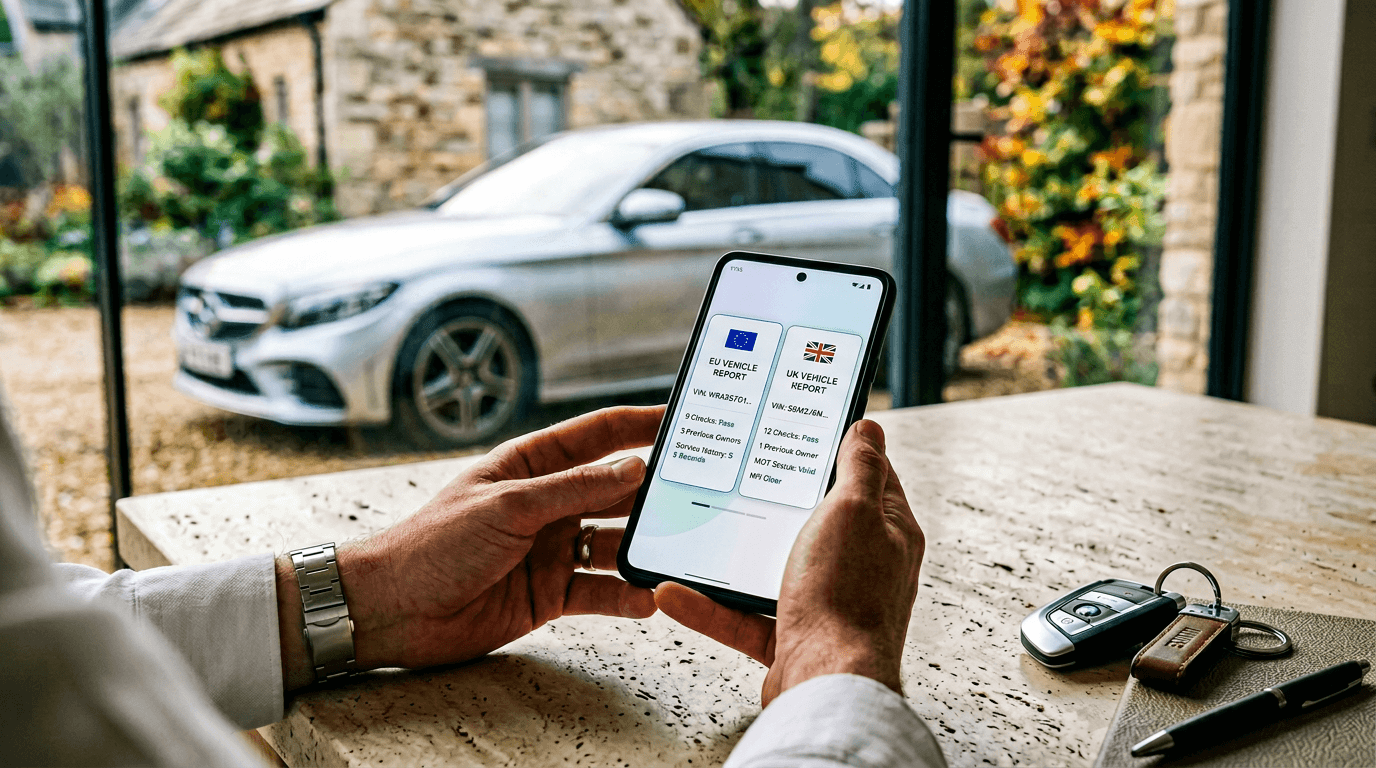
This page exists to be transparent about what data Carpeep actually shows in a vehicle history report.
Not vague "checks".
Not marketing labels.
Actual data markers.
At the same time, it's important to be clear about something upfront:
Carpeep is not a data dump.
The value isn't just what data is included, but how that data is presented so people can understand it quickly, on any device, without needing to be an expert.
Below is the full breakdown of what a Carpeep report can contain.
Product Overview
Service: Carpeep
Report Type: Vehicle History Check
Coverage: United Kingdom vehicles, including but not limited to: Cars, Vans, Trucks, Motorbikes, Motorhomes.
How the Report Is Designed to Be Read
Car history data is complex by nature. Most reports fail because they treat every line of data as equally important.
Carpeep doesn't.
The report is designed so users can:
- See at a glance if there is anything important to be aware of
- Understand the overall picture in seconds
- Drill down only if they want more detail
- Read comfortably on mobile without endless scrolling or dense tables
Clarity comes first. Detail is there when needed.
Summary Section (High-Level Overview)
The summary section reviews the data pulled for the vehicle and presents a short, plain-English paragraph.
It gives users a quick understanding of the overall history without listing raw fields.
If something needs attention, the user knows immediately.
If everything looks normal, they can move on confidently.
Theft & Alerts Section
This section contains explicit vehicle status data, including flags relevant if you're considering an imported vehicle:
- Theft Status
- Import Status
- Export Status
- Scrapped Status
When applicable, additional data markers are shown:
- Theft Date
- Theft Reporting Entity
- Recovery Date
- First UK Registration Date
- Date Exported
- Date Scrapped
Insurance Write-Off Records
(Shown per write-off record, if applicable)
For each insurance write-off record, the report can include:
- Write-Off Category
- Write-Off Date
- Insurer Name
- Insurer Contact Details
- Claim Number
- Cause of Damage
- Theft Status at Time of Claim
- Recovery Category
- Damage Locations (multiple entries possible)
Finance Status Section
(Shown per finance agreement, if applicable)
For each finance agreement, the report can include:
- Finance Company Name
- Finance Agreement Type
- Finance Status (Active or Inactive)
- Finance Start Date
- Agreement Term
- Finance Company Contact Number
Mileage Analysis Section
Mileage is treated as a pattern, not a single number.
Included data markers:
- Current Mileage
- Mileage Recorded Last Year
- Average Mileage
- Mileage Issues Status
For each recorded mileage entry:
- Mileage Record Date
- Mileage Reading
- Mileage Unit
Ownership History Section
Ownership information includes:
For each recorded owner:
- Owner Number
- Ownership Title
- Ownership Start Date
- Ownership Duration
MOT & Tax History Section
This section grows as the vehicle ages and is presented in a structured, readable format.
Included data markers:
- MOT Expiry Date
- MOT Status
For each MOT test:
- MOT Test Date
- MOT Test Result (Pass / Fail)
- Mileage at MOT Test
- MOT Defects (multiple entries possible)
- MOT Advisories (multiple entries possible)
Additional compliance information:
- Vehicle Tax Status
- Annual Vehicle Tax Amount
- CO₂ Emissions
- ULEZ Compliance Status
Vehicle Details Section (Technical & Registration Data)
This section includes vehicle specification data:
- Make
- Model
- Year
- Colour
- Fuel Type
- Transmission
- Engine Capacity
- Engine Number
- VIN Ending
- Body Type
- First Registration Date
- Seating Capacity
- Number of Gears
- Maximum Power (BHP)
- Colour Changes (if applicable)
Data Volume Summary
- The base structure contains 75+ unique data markers
- Additional markers are added dynamically based on history:
- Each MOT test adds multiple markers
- Each owner adds multiple markers
- Each finance agreement adds multiple markers
- Each write-off record adds multiple markers
- Each defect or advisory adds additional markers
A typical used car will easily exceed 100 individual data markers.
Transparency, Without Overwhelm
Carpeep's transparency comes from clearly stating what data markers are used, not from overwhelming users with them.
The report itself is designed so:
- Important information is visible immediately
- Detail is available without clutter
- Nothing requires specialist knowledge to interpret
- The experience works naturally on mobile
The result is simple:
confidence instead of confusion.
That's what a Carpeep report is built to deliver.